
01
Upload a model
Start with a clear creative input.
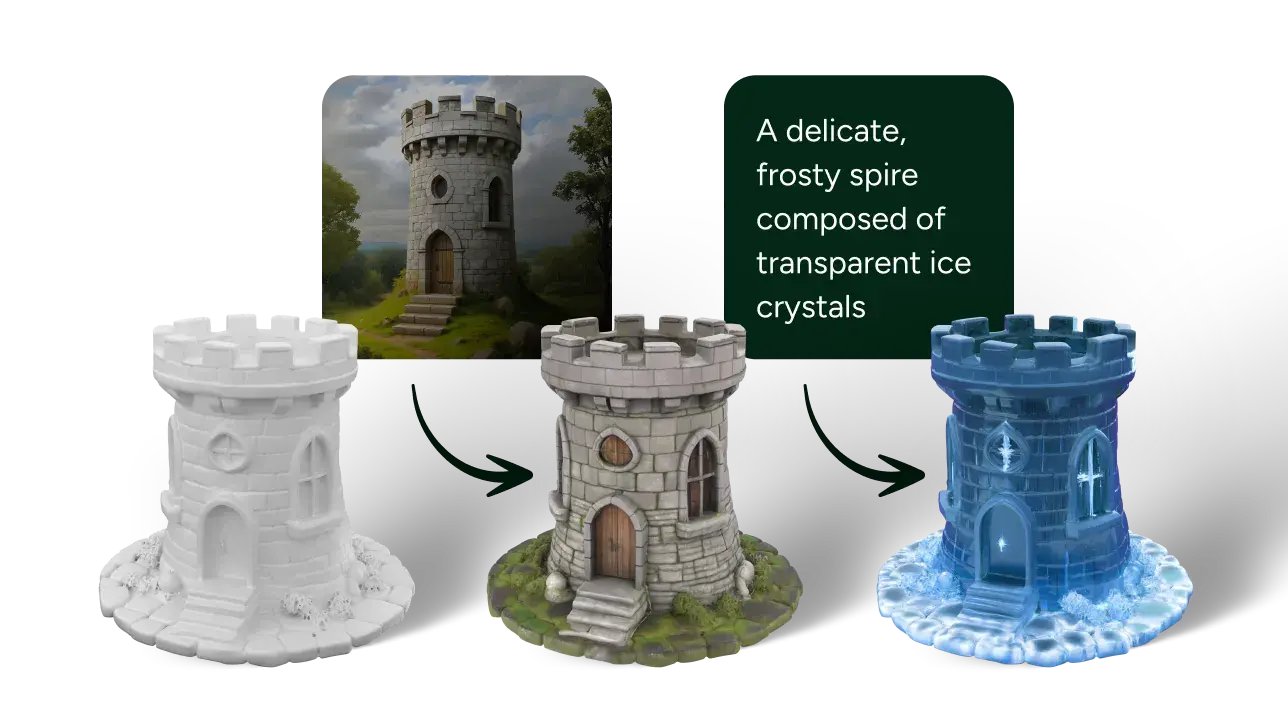
Upload a GLB or GLTF model, describe a material direction, add optional references, and generate texture variants that keep your model in the same workflow.
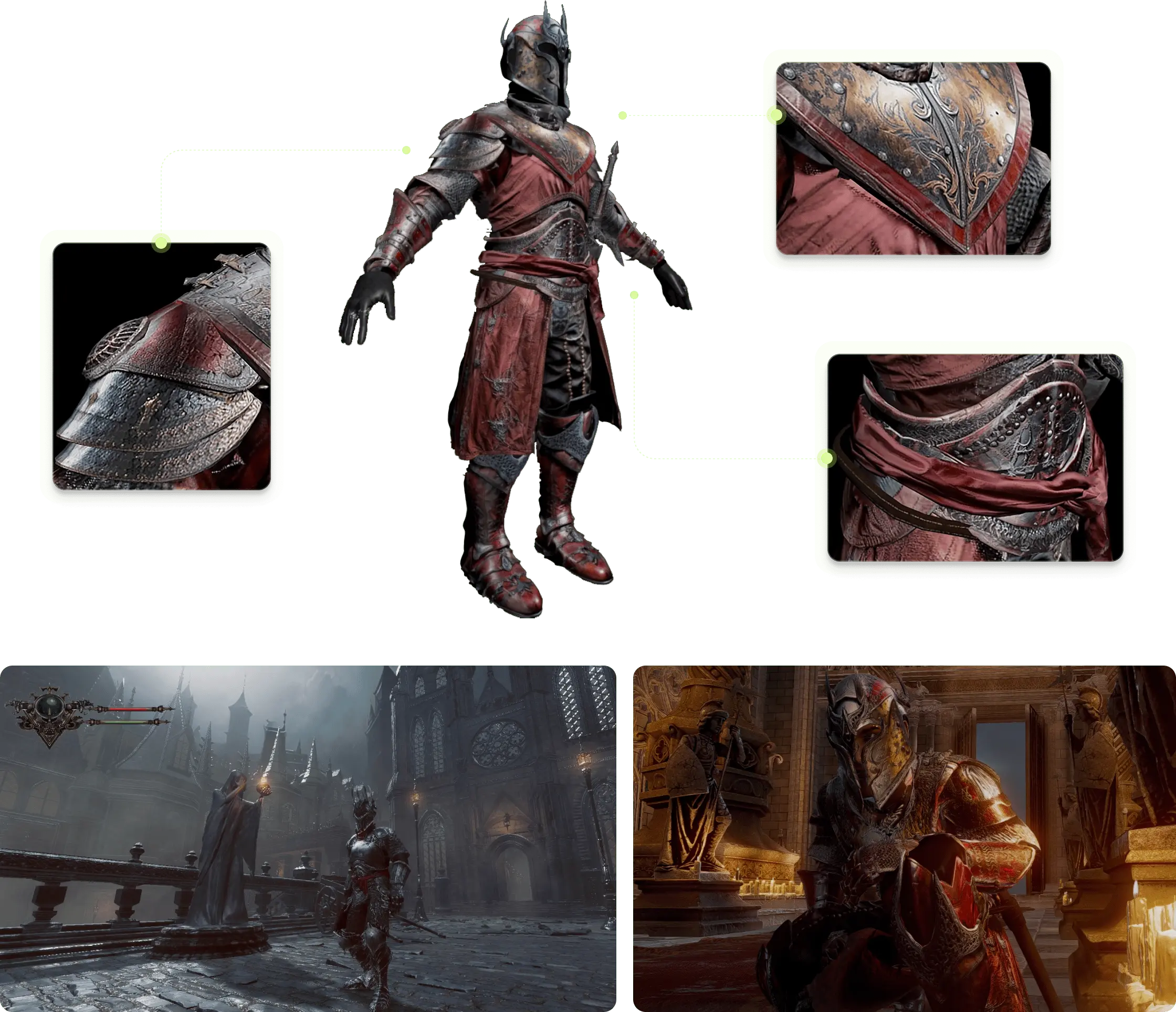
Start with a clear creative input.
Set direction before the job runs.
Let the provider generate the asset.
Inspect the result and keep moving.

Texture generation is most useful when the mesh is already known. Trivox focuses the page around upload, material intent, resolution, and side-by-side evaluation.
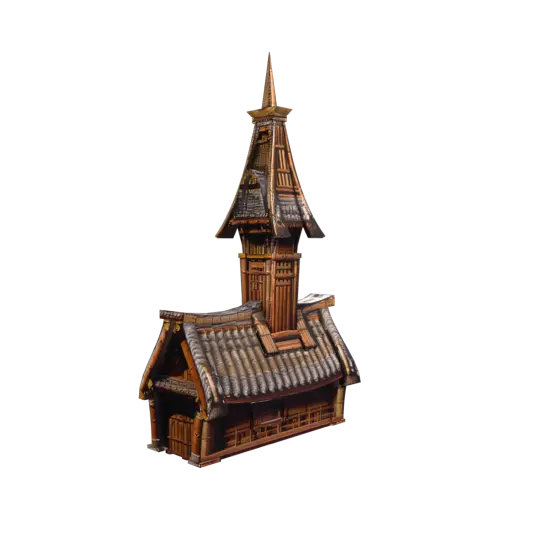
A grounded material pass with lighting-ready roughness and color variation.
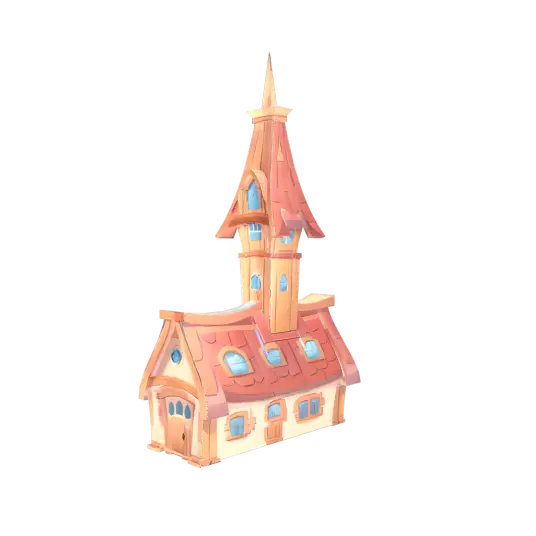
A crisp stylized surface for games, shorts, and lightweight interactive scenes.
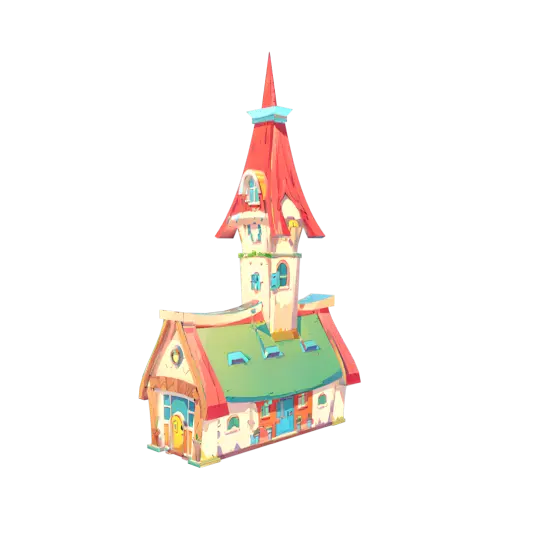
A bolder texture pass with high-contrast shape language and clean color blocking.
Explore material directions quickly before sending assets deeper into look development.

Try finishes, colorways, and surface treatments without remodeling the object.

Create viewer-ready texture options for AR, VR, and web-based 3D scenes.